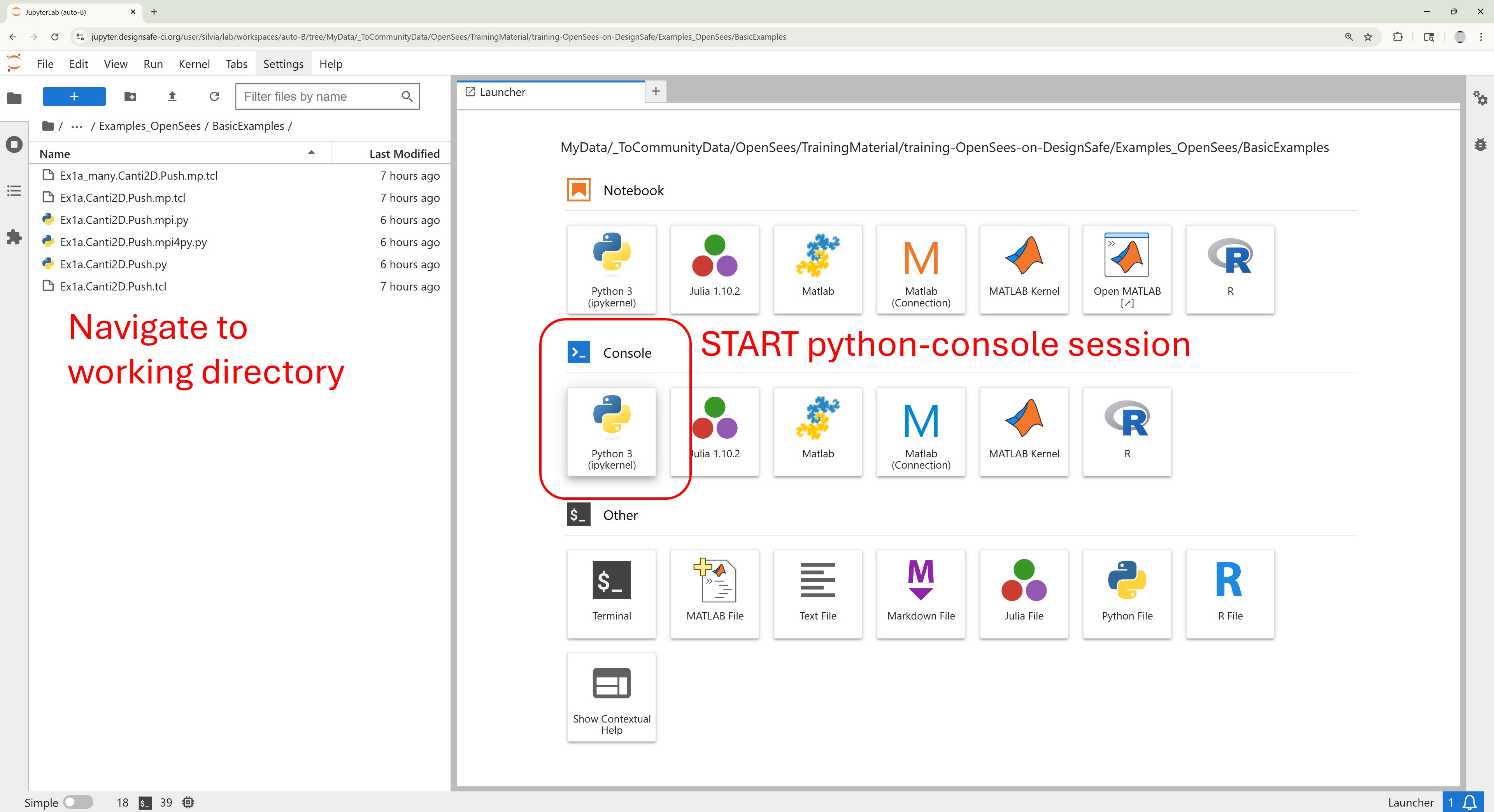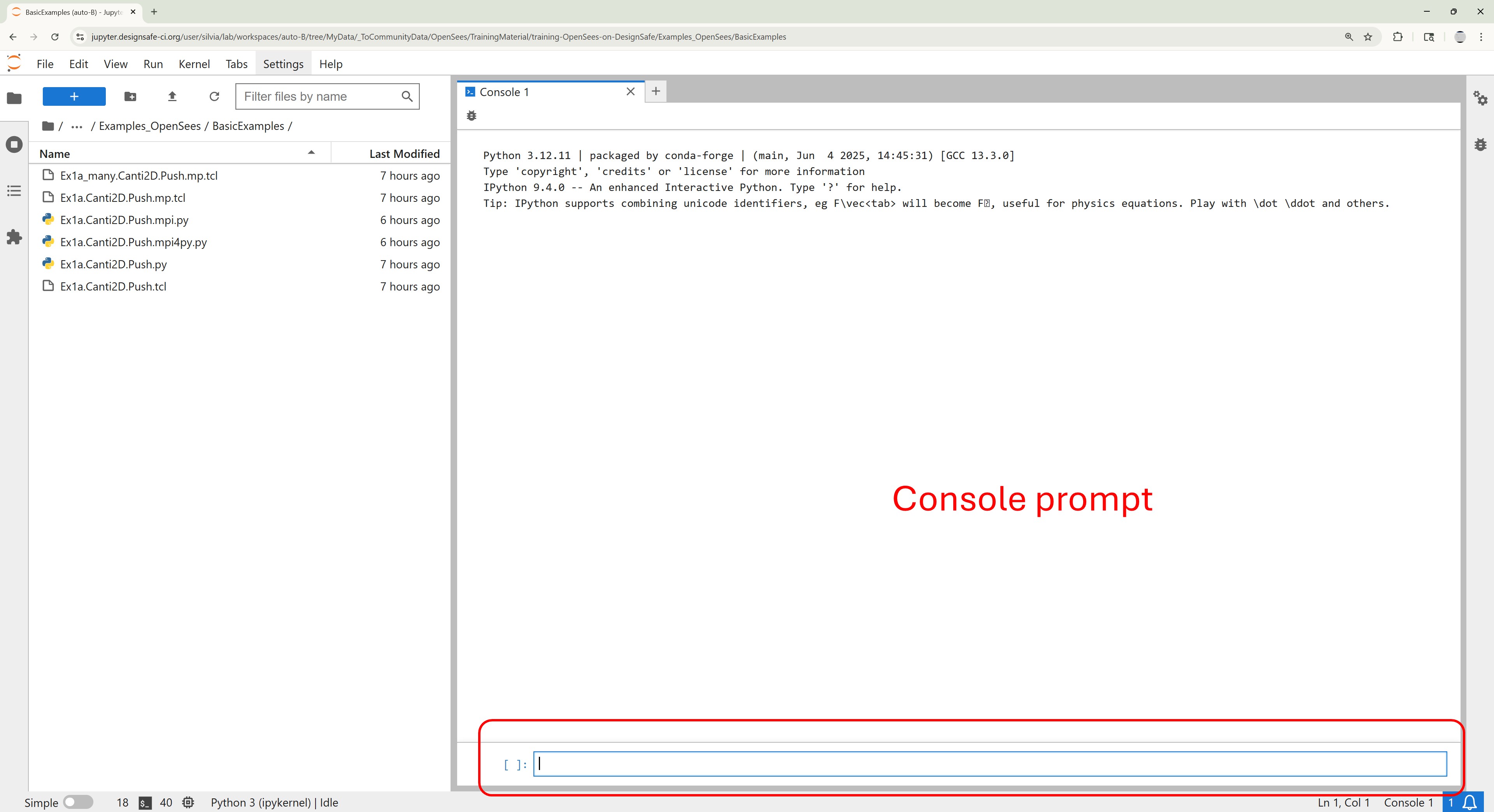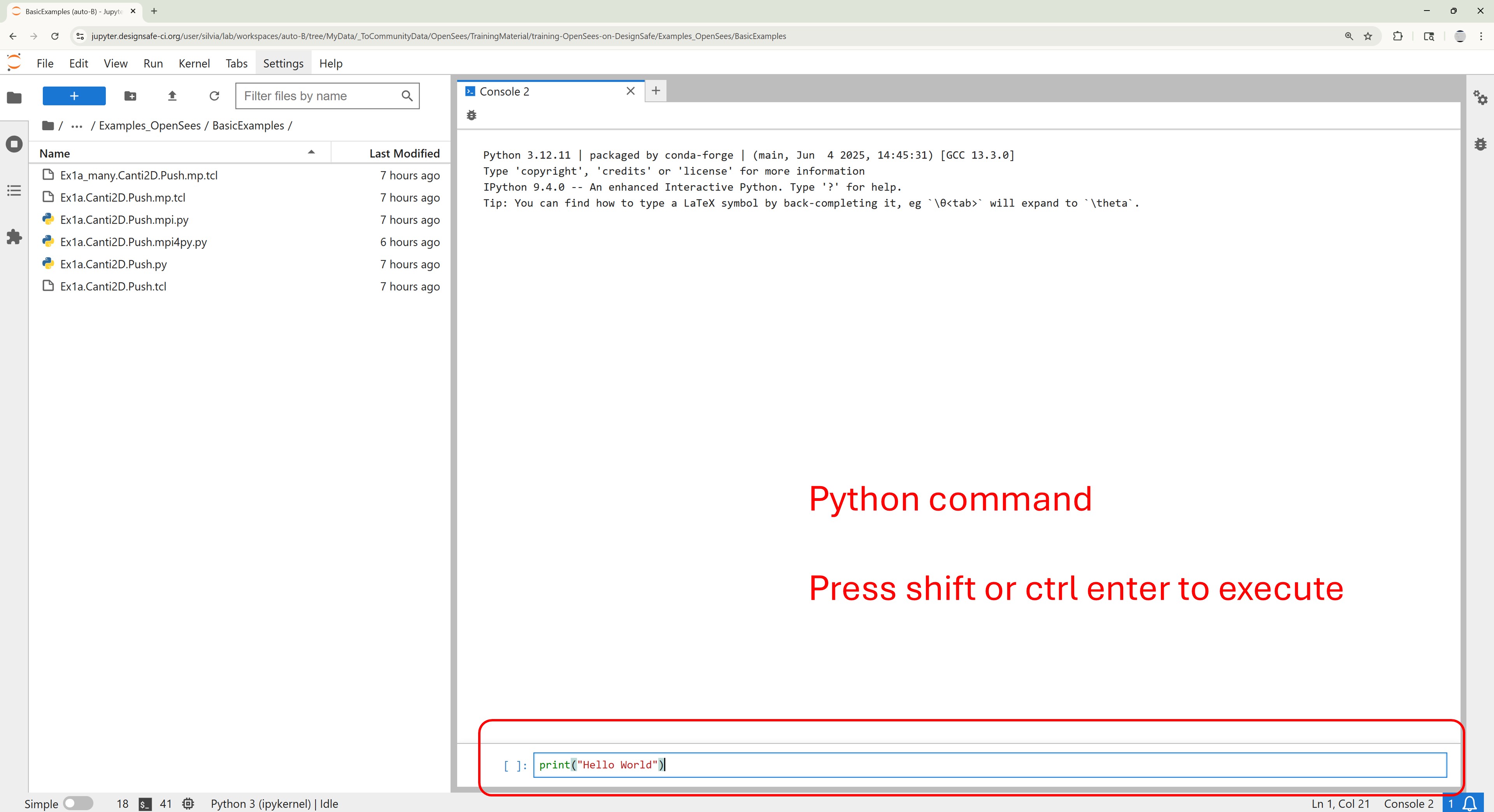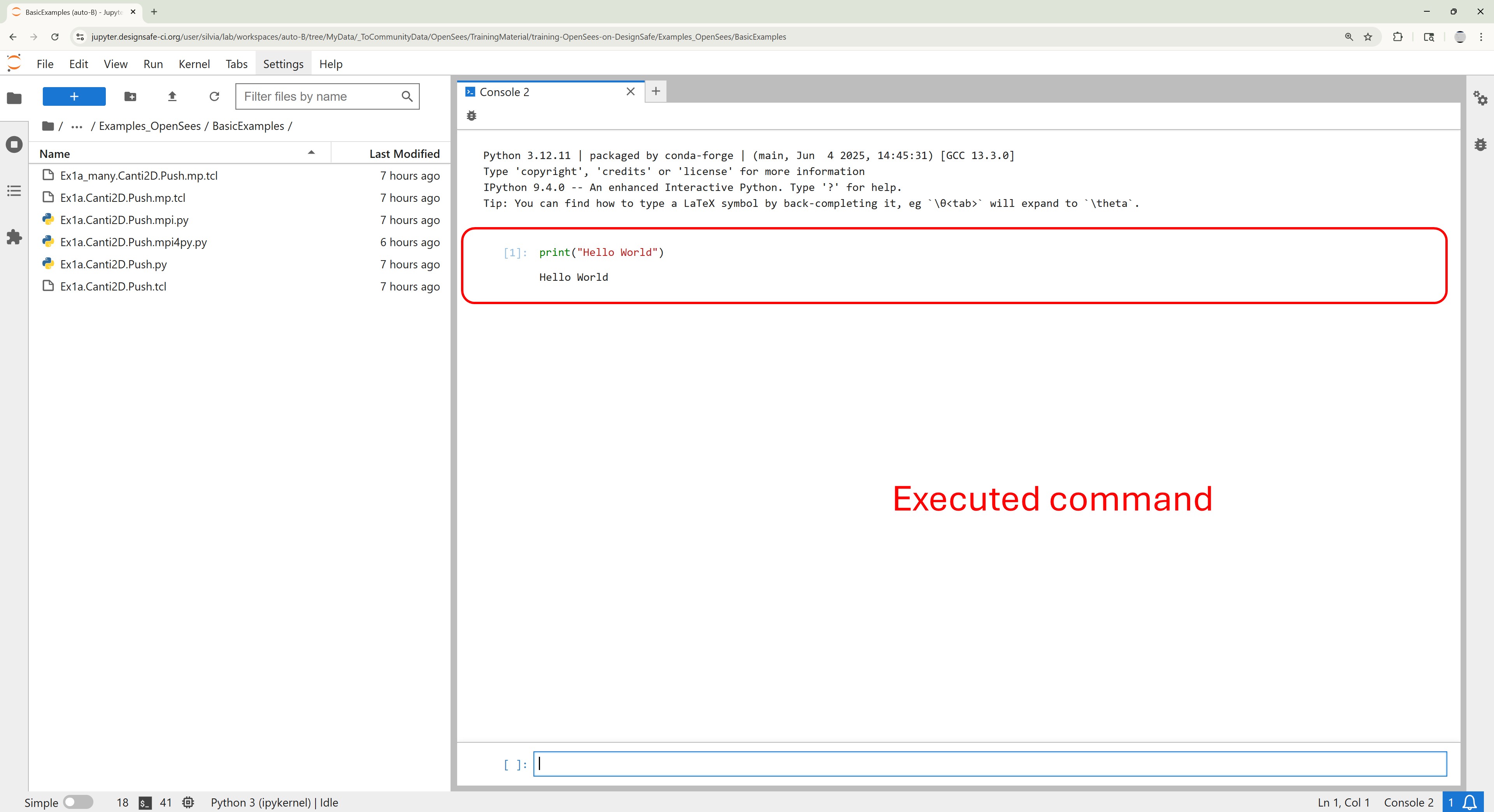
Python Console#
Interactive Testing and Execution with OpenSeesPy
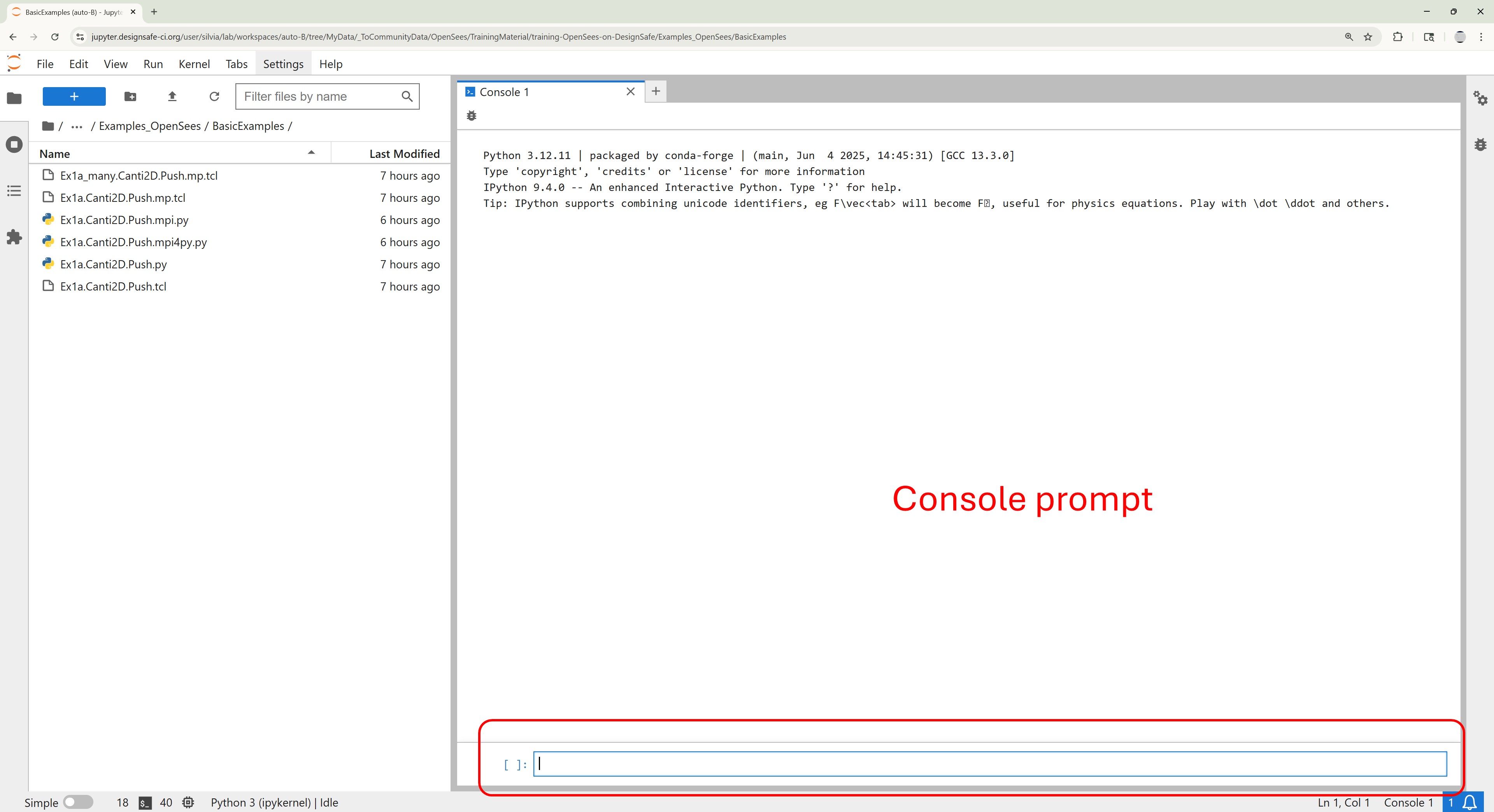
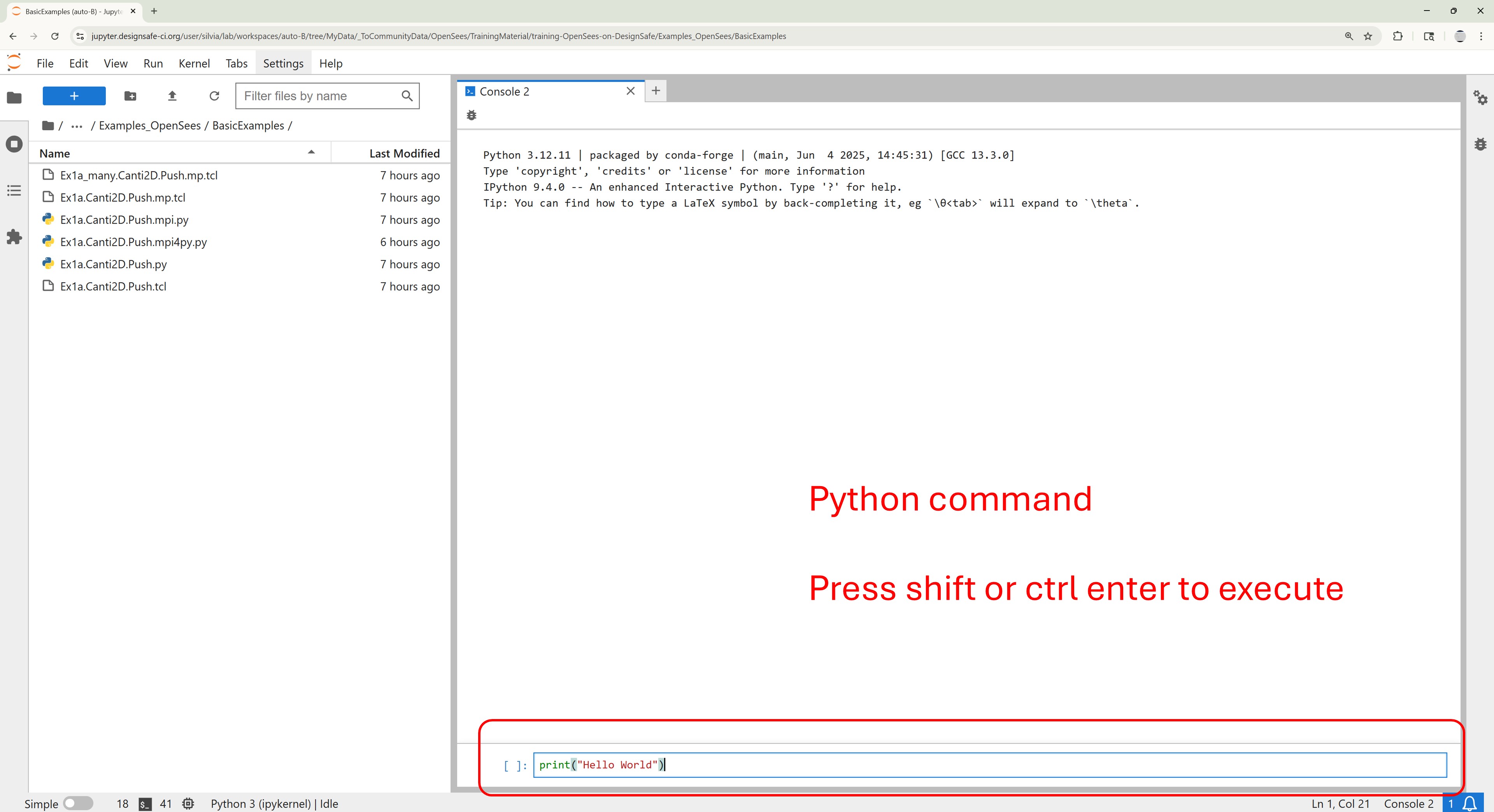
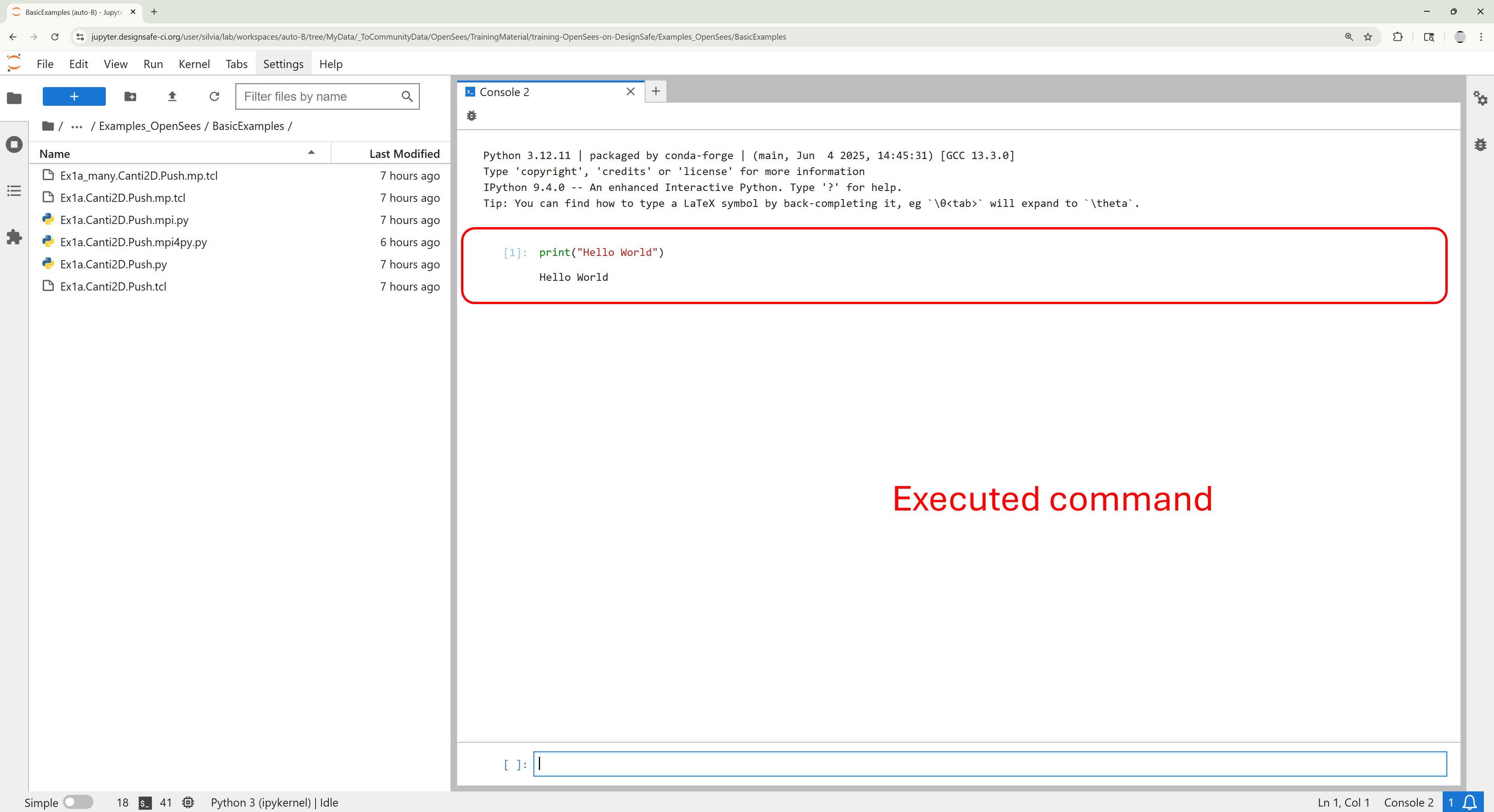
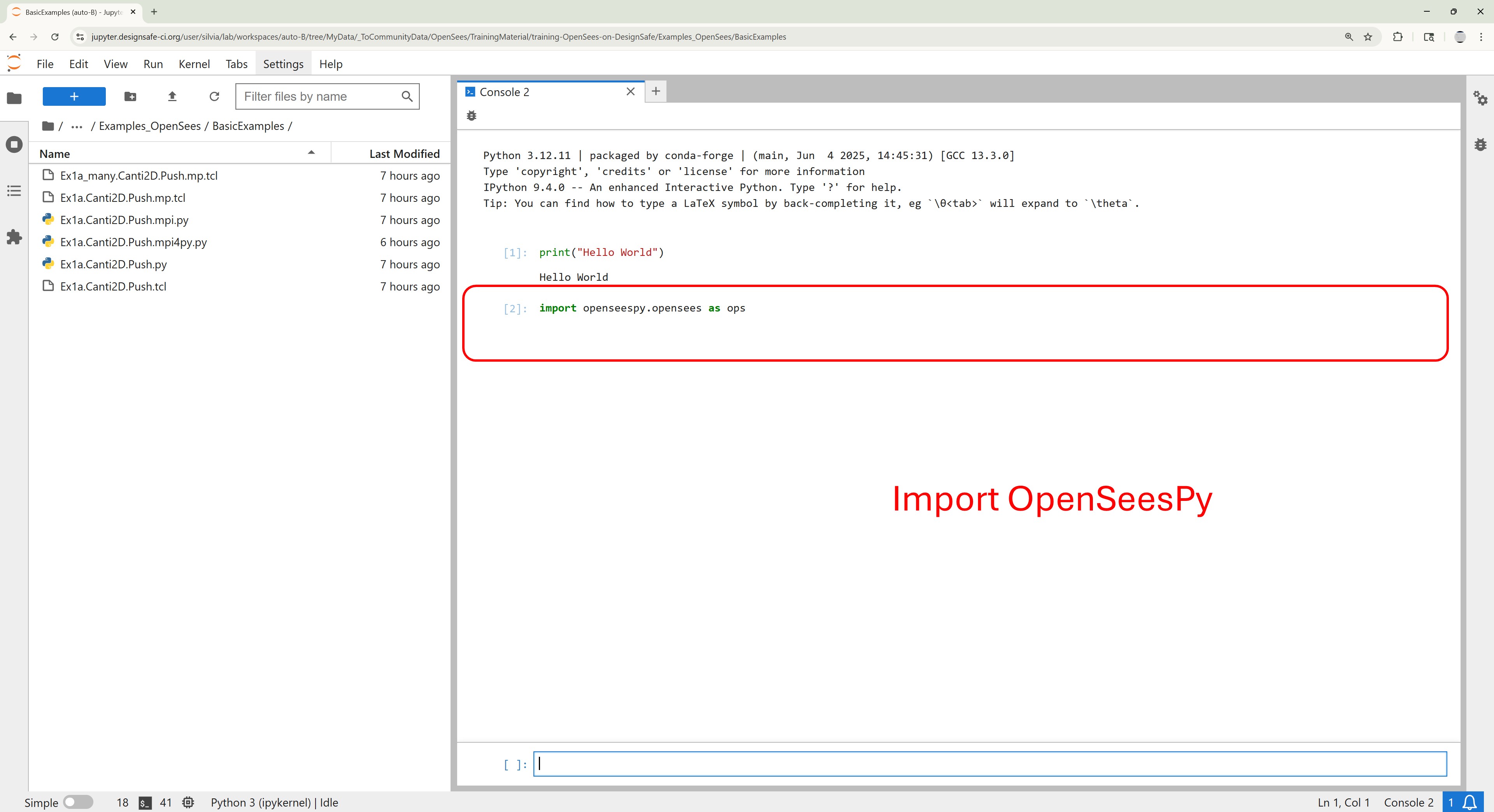
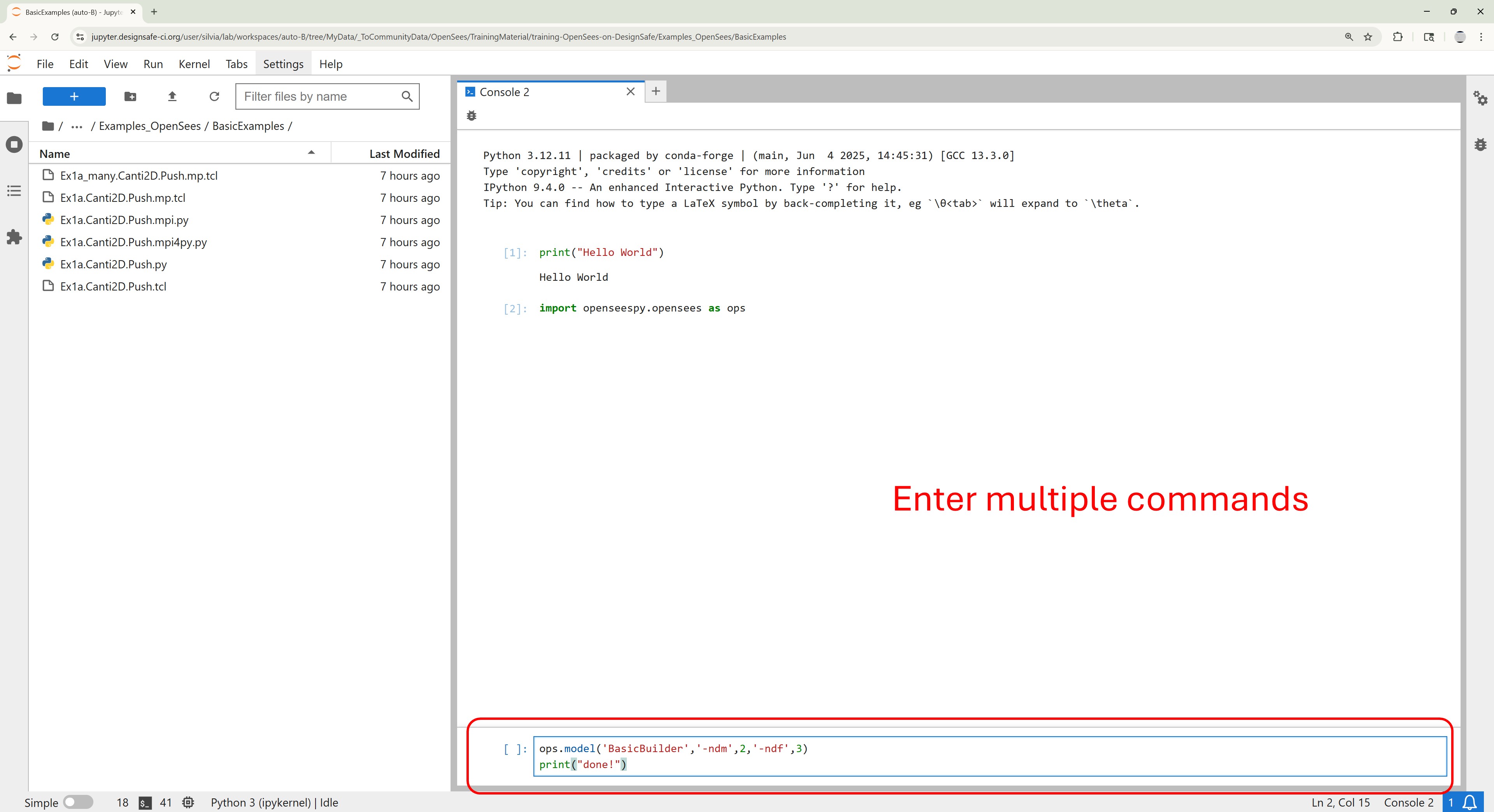
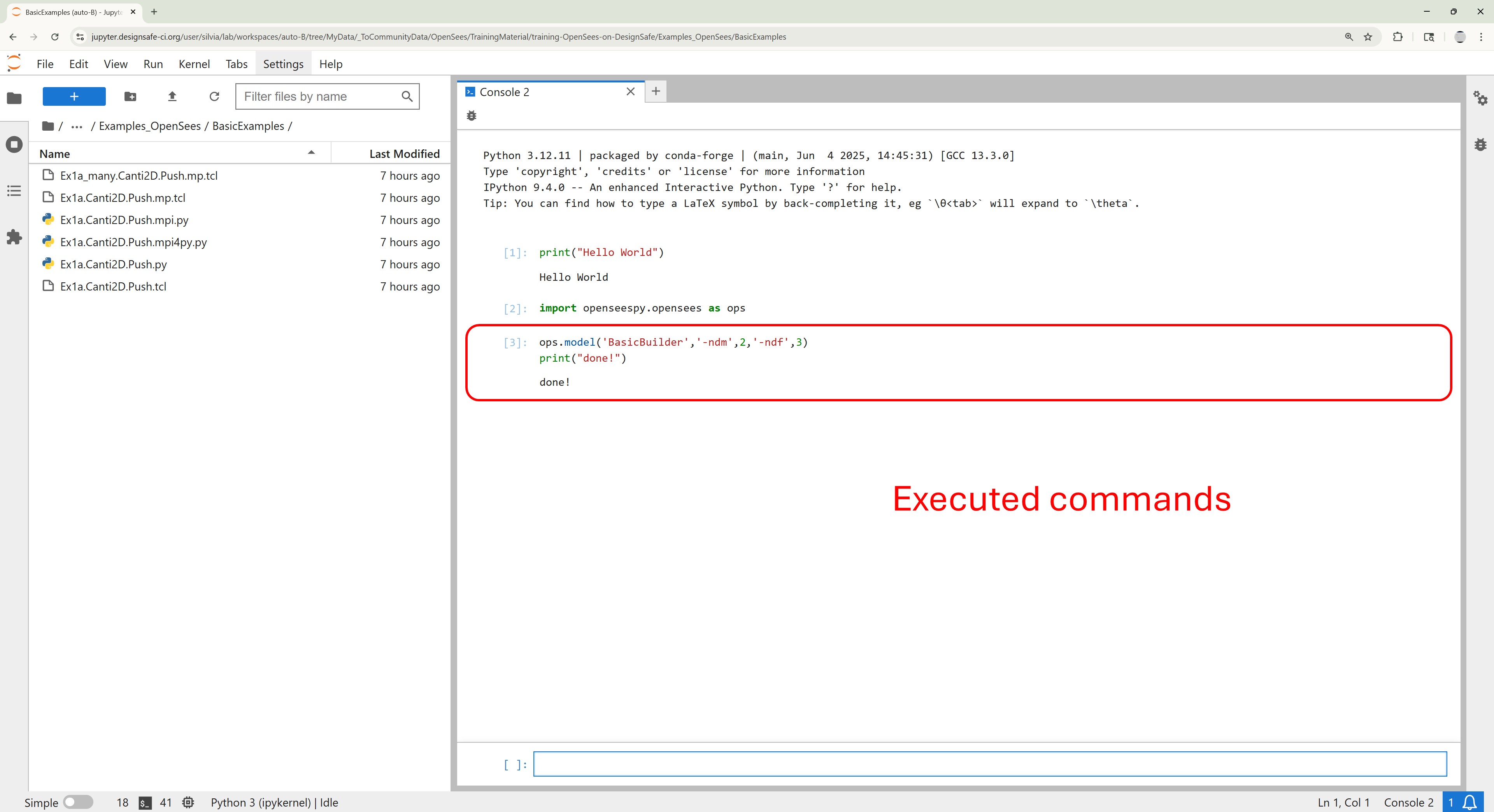
The Python Console in JupyterHub allows you to run OpenSeesPy commands interactively—perfect for quick testing, debugging, or exploring new ideas.
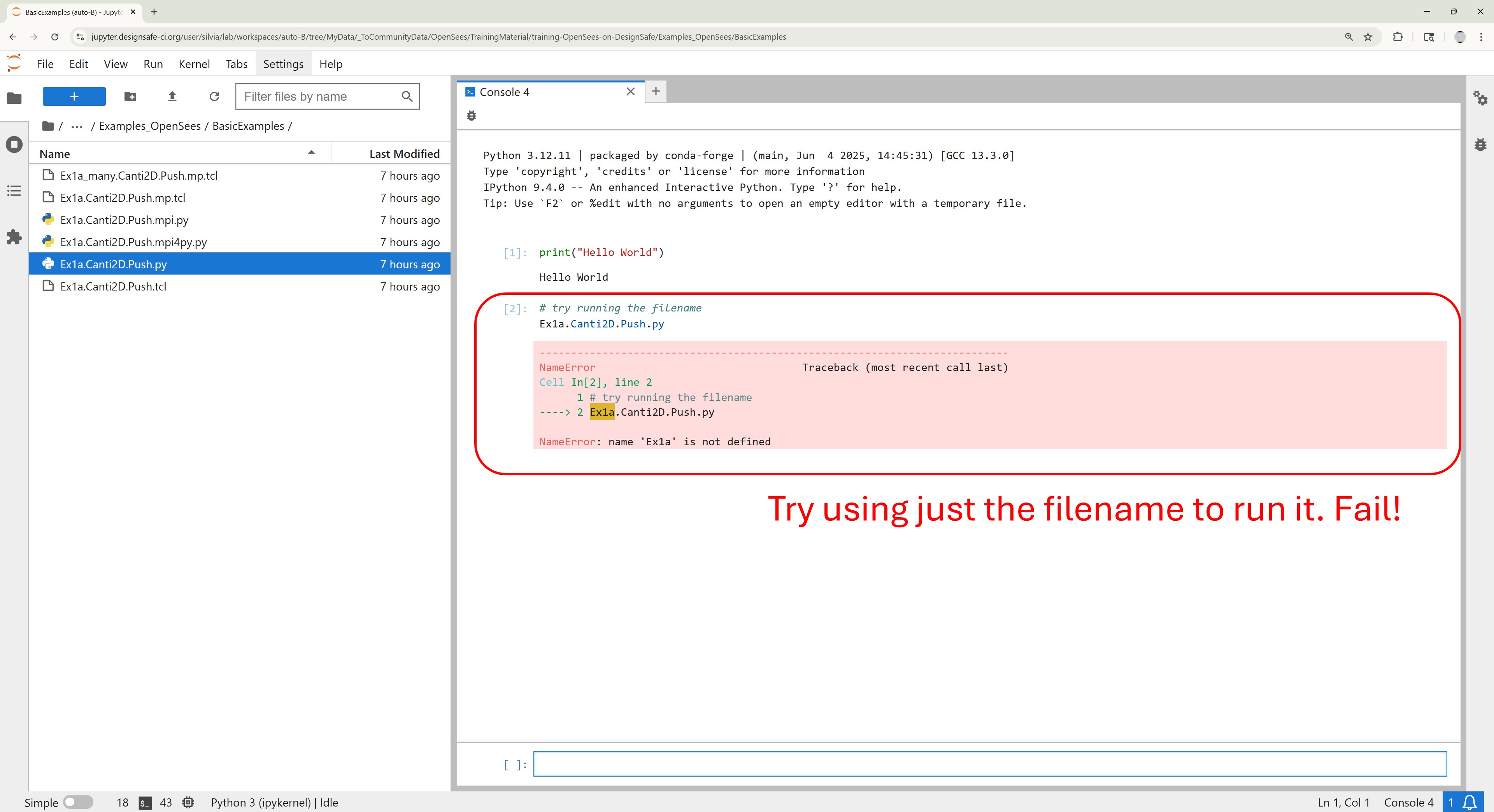
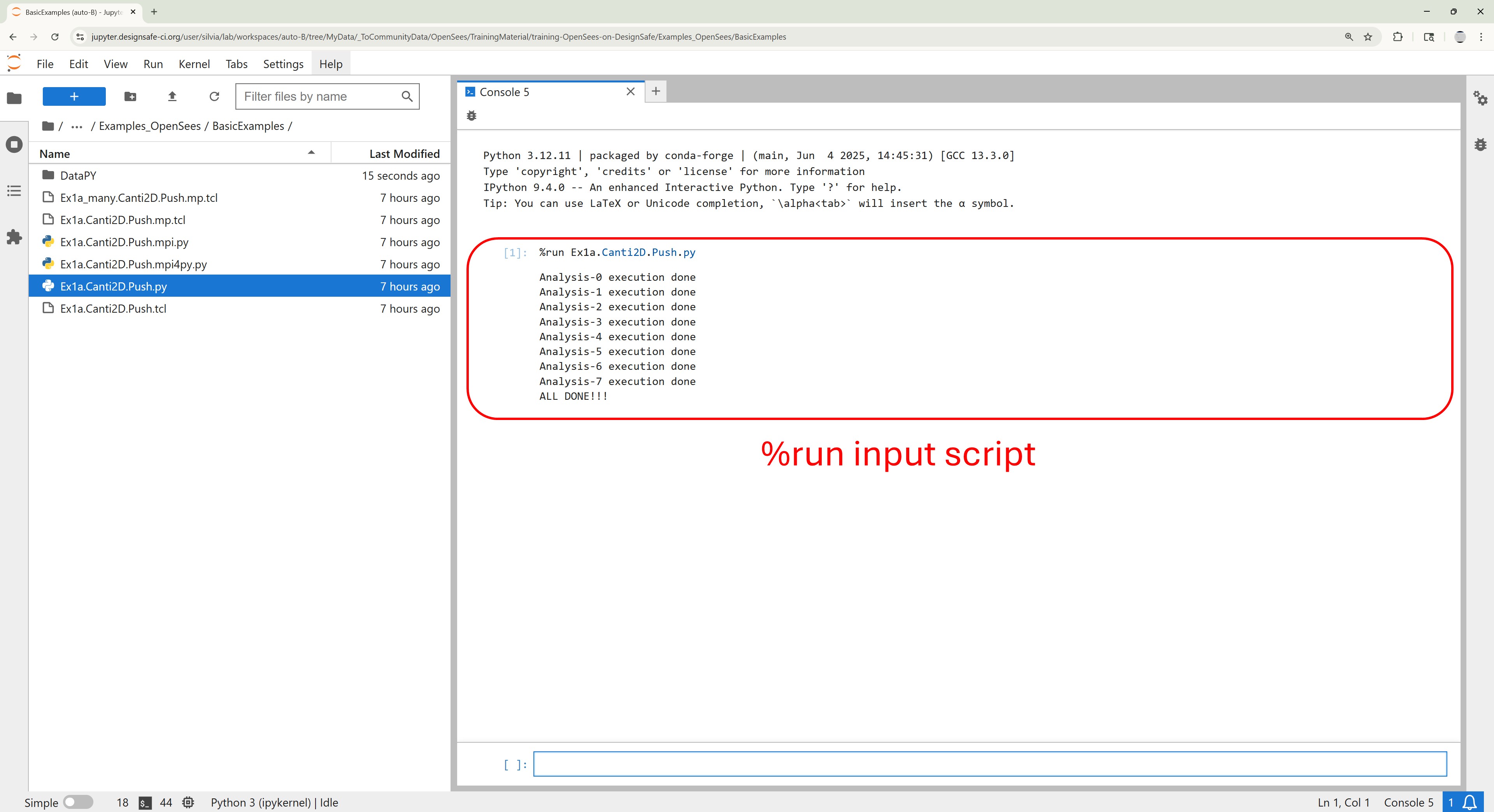
If you already have a completed Python script, you can execute it directly in the console using the %run command:
%run my_model.py
This is especially useful if you’ve developed your script in another environment (like Spyder or VS Code) and want to validate or rerun it within the JupyterHub environment without launching a full notebook.
OpenSeesPy Interactive Console#
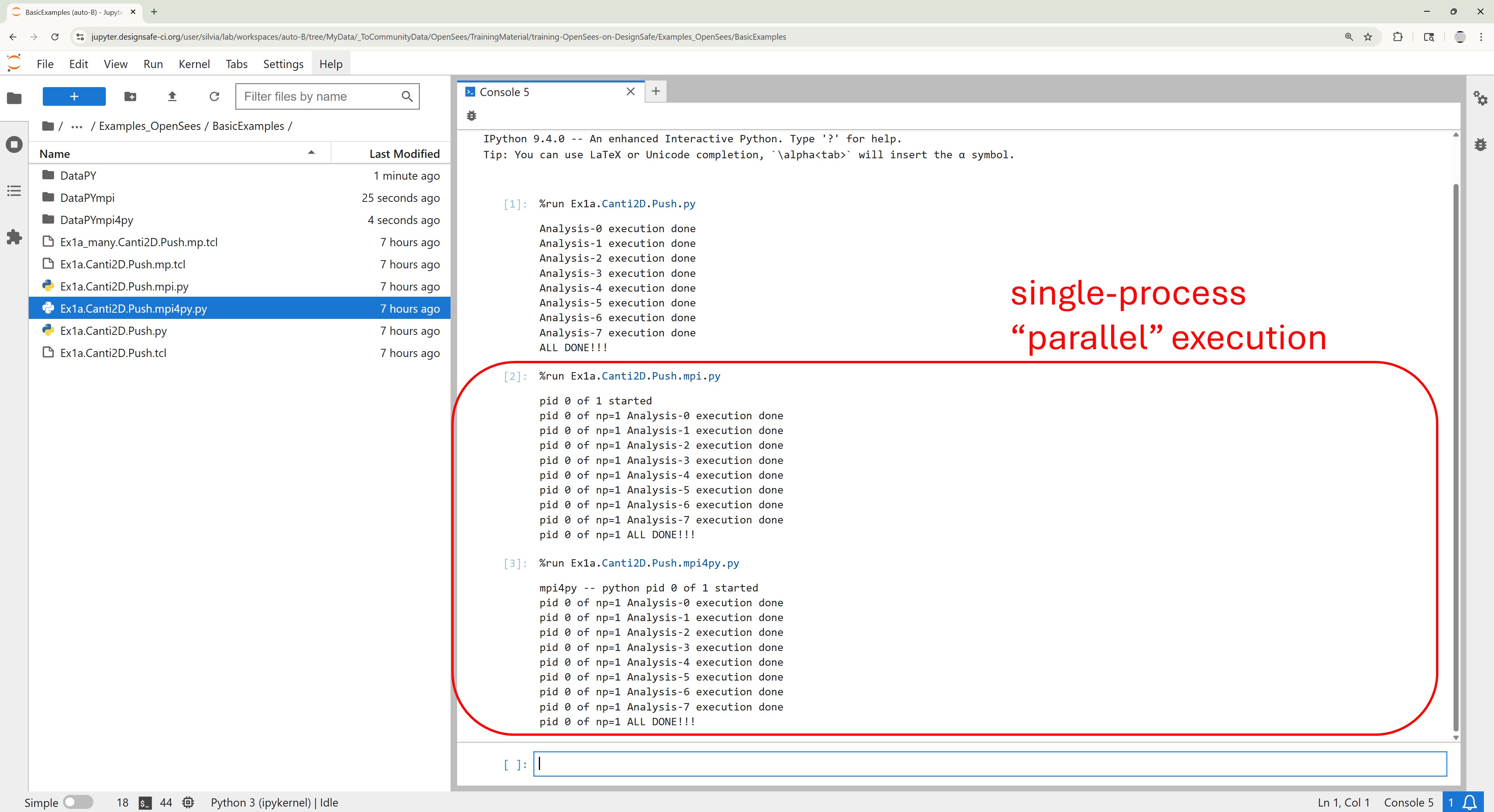
Example Run Sequential OpenSees Analyses Interactively at the Python Console
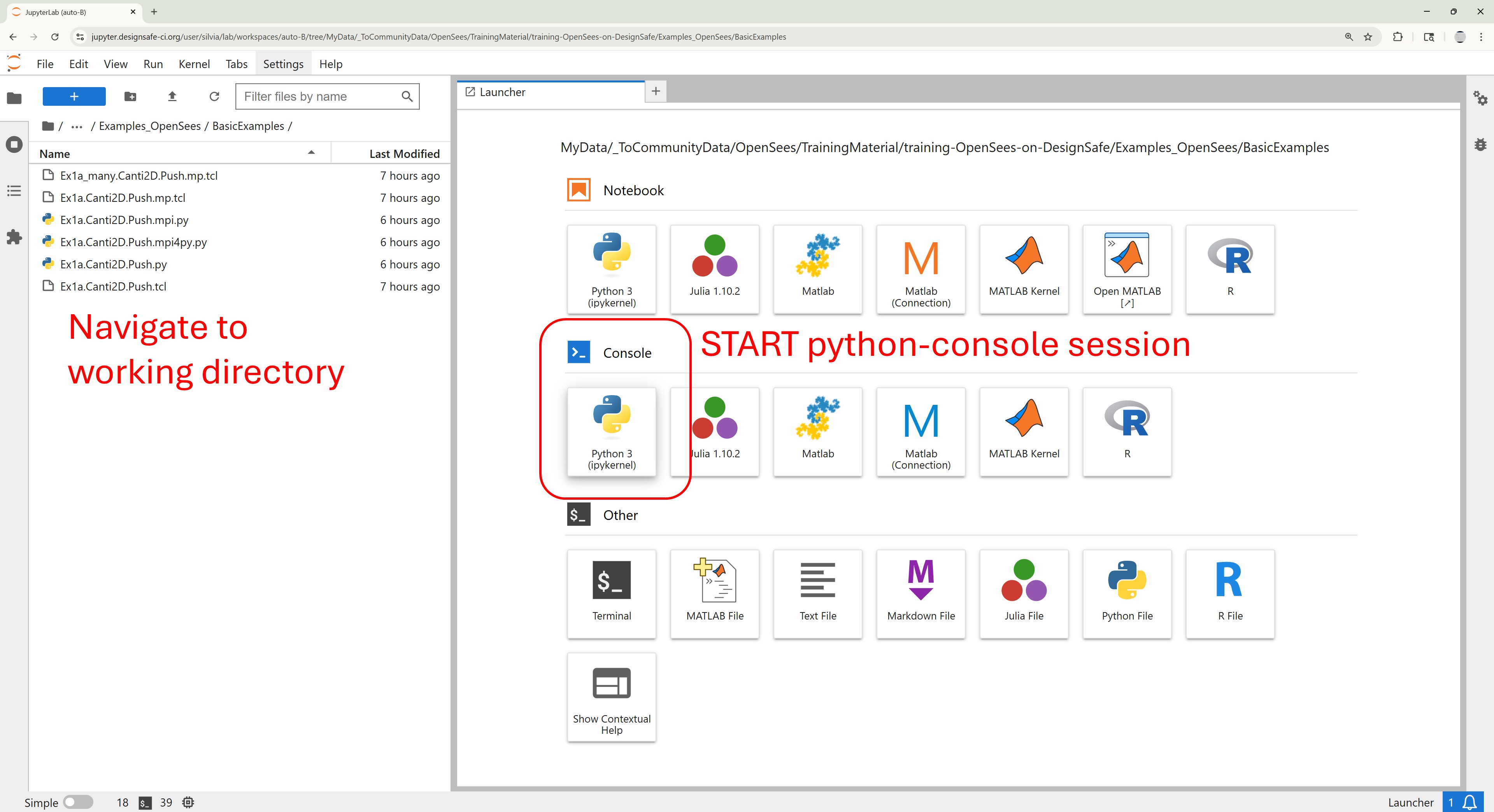
Run Script in Console#
Example Run Sequential OpenSeesPy Analyses at the Python Console